Tutorials
Basic Functions
Observations
|
Viewing Observations
Opening the Observations Page

- After logging into to T-Eval click the Mini Observations tab at the top of the page.
- Once the page is open the Mini Observations tab will change to white to show that it is active.
- To the right of the Currently Viewing label you will see a drop down list of available teachers. Click the drop down list and select the teacher you will be viewing.
- If the teacher you will be viewing is not listed in the drop down list please see the User Management section of the training module.
- After you have selected a teacher the table will automatically populate with previously completed observations.
Printing Observations
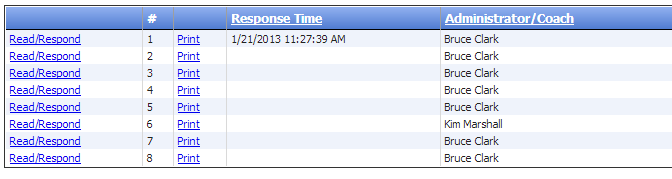
- You will have two options available to print the selected teacher's observations.
- If you would like to print a single observation, click the Print button to the left of the observation.
- If you would like to print all observations listed in the table, click the Print All button located at the bottom of the table.
|